Free and Low-Cost Technology for Children with Complex Medical Needs
Technology can also help children communicate, understand routines and feel more comfortable in their daily lives. This article explores free and low-cost technology that could help children with complex care needs.
While technology cannot replace care or remove the challenges families face, it can help to reduce mental load, support communication and make some parts of daily life a little easier. Many families already have access to tools that can help without needing to buy specialist equipment or expensive apps. This article explores, free and low-cost technology that could help children with complex care needs. Click here to also see our article on free and low-cost technology to support parents of children with complex medical needs.
Please note that we are unable to endorse any company or app included here. You should carry out your own due diligence and consider your family’s personal situation.

Built‑in smartphone accessibility features to help children communicate
Many devices include built‑in accessibility tools that can support communication and independent interaction, without needing additional apps.
- Text‑to‑speech
- Speech‑to‑text
- Larger text and high contrast modes
- Switch access (an alternative to touchscreen for those with limited mobility or dexterity. It scans through items on the display and allows them to select them through a physical switch or a facial gesture.)
- Device voice control
Step‑by‑step guides for these features are available via My Computer My Way (free, provided by UK charity AbilityNet).
Routine, predictability and comfort support
Digital tools can help children better understand what’s happening next, which can reduce anxiety and support smoother transitions. You could consider the following digital tools for your child:
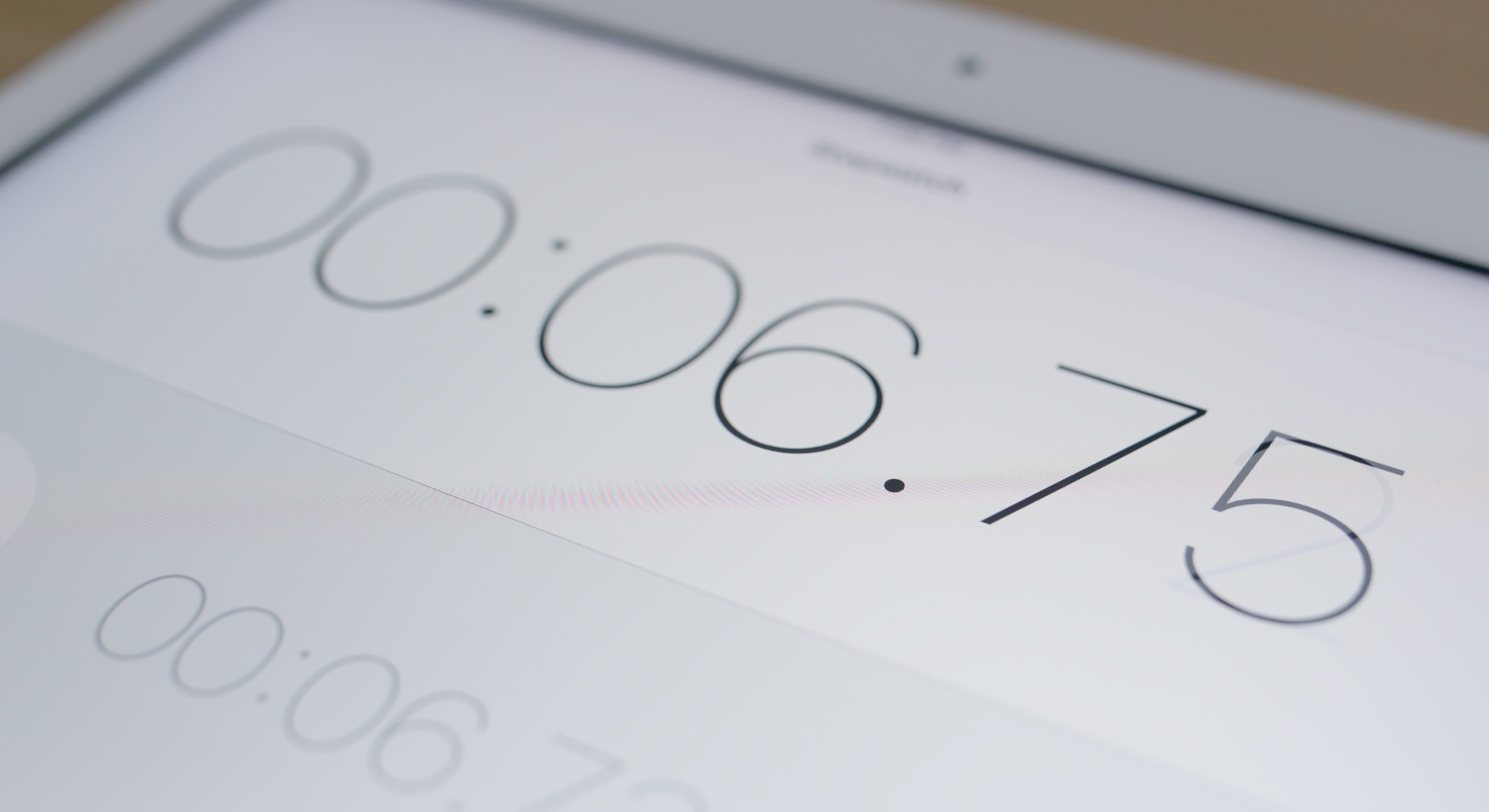
Visual timers and countdown apps
Visual timers and countdown apps show how much time is left, which can make changes feel less stressful. This can help with can help with things like:
- Getting ready to go out, finishing an activity
- Preparing for a medical task
Visual schedules using photos
Visual schedules using photos on a phone or tablet help show what is happening during the day. This can:
- Make routines easier to understand
- Help children know what to expect next and reduce anxiety
Music or white noise apps
Music or white noise apps can help children:
- Stay calm when they feel overwhelmed or upset
- Settle and relax after something stressful or tiring
Free Augmentative and Alternative Communication (AAC) apps
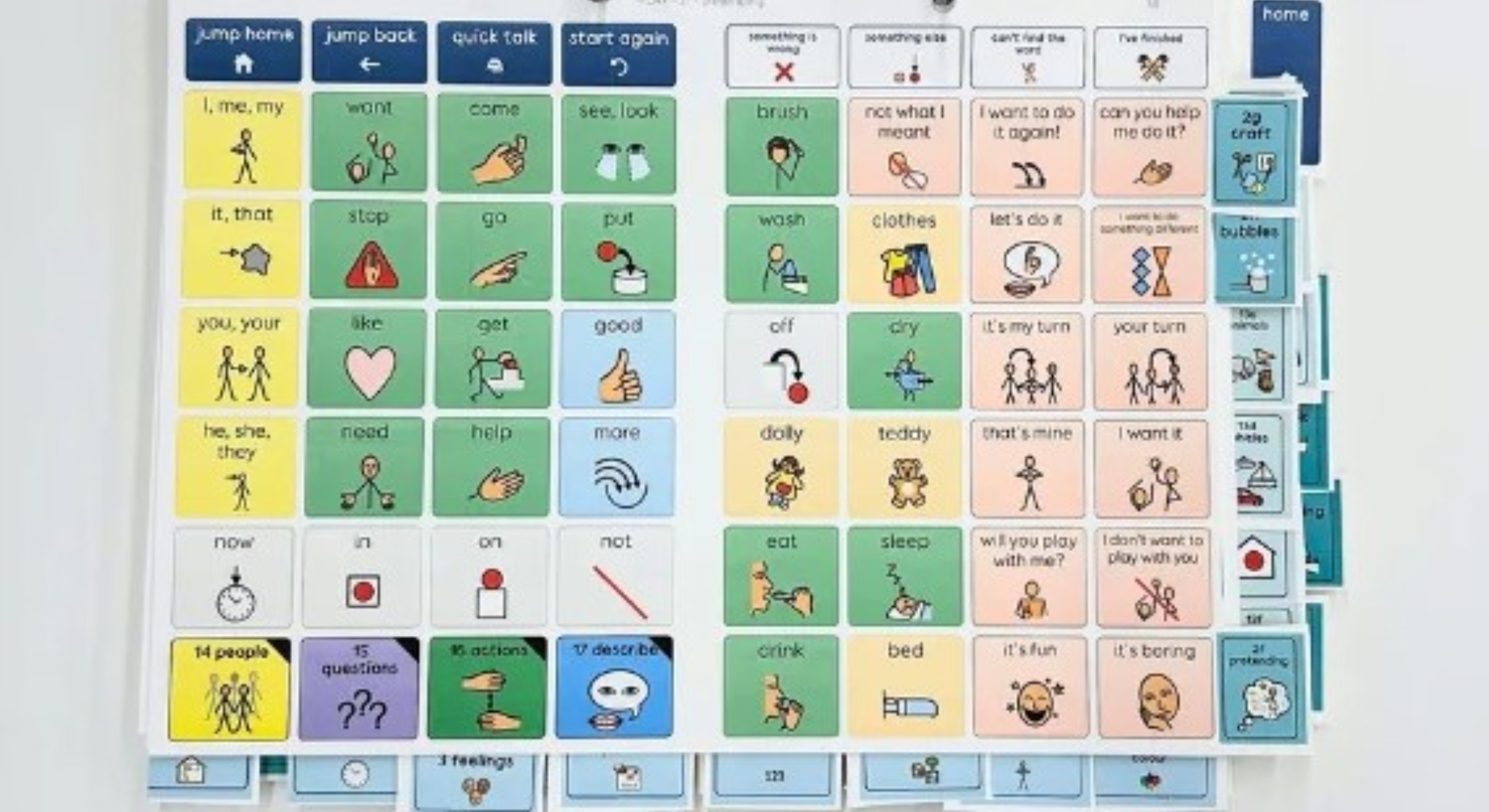
Augmentative and Alternative Communication (AAC) tools can help children to express choices, needs, pain, emotions or preferences. Some apps that can be used for AAC are:
- Aurora AAC: Completely free AAC app created by UK developers, with no ads or data tracking.
- Ghidra AAC: AAC app designed by a UK SEN family, running on older devices as well.
- Cboard: Open source AAC tool accessible via web, tablets and phones (free option with paid for upgrades).
More information on Augmentative and Alternative Communication (AAC) apps can be found in this article.
Vision and sensory support
Some apps are designed to help children better understand their environment or manage sensory experiences. These apps may be helpful:
- Seeing AI: Free app by Microsoft that reads text, describes objects, scenes and documents using the camera.
- Be My Eyes: Connects users to volunteers or AI for real time visual description, completely free.
Free and low-cost technology to support parent carers
Click here for suggestions on free and low-cost technology specifically tailored towards supporting parents of children with complex medical needs.
More support
To find out more about how WellChild can support your family with all things digital, please visit our Driving Digital Inclusion page. For more information on any of the above, please contact our Digital Inclusion Officer by email at [email protected] or by phone at 07562 945651.
If you have any comments, ideas, or suggestions about this article please contact us at [email protected]
Please don’t forget to leave feedback on this article!
Emily Porter, Digital Inclusion Officer
Rachel Carluke, Family Information Officer
First published: June 2026
Review due: June 2027